
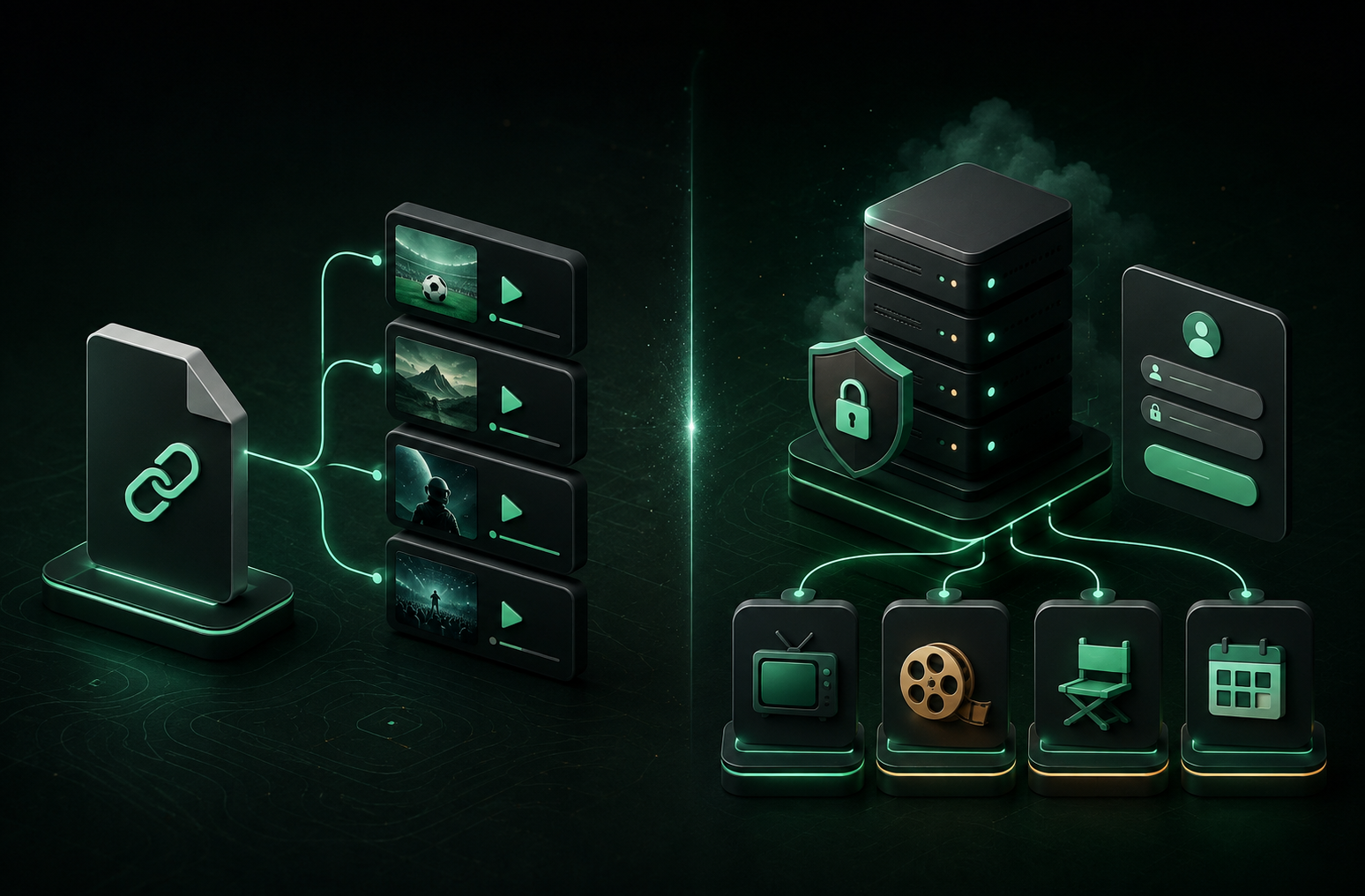
When you add IPTV to an app, your provider will usually give you one of two things: a long M3U link or Xtream Codes account details. Both can give you access to the same service, but they work very differently behind the scenes.
The short version: an M3U is a playlist you download; Xtream Codes is an API login you use to request organized content from a server.
M3U: paste a link and download a playlist
An M3U or M3U8 playlist is a text-based list of media URLs. In an IPTV app, you paste one link, the app downloads the list, and it builds your channel library from the entries it finds.
Depending on how your provider creates the playlist, an M3U can include useful details such as channel names, group names, logos, and TV-guide IDs. It is still primarily one large playlist, though.
M3U is a good choice when you have a small or personal playlist, want broad compatibility with many players, or prefer the simplest possible setup. It is also convenient when you maintain the playlist yourself.
The downside is that a large list may take longer to import and browse. Its organization and metadata also depend on the quality of the playlist your provider generated.
Xtream Codes: log into an API
Xtream Codes is not one file. It is an API login format. Instead of pasting a single playlist URL, you enter three details:
- Your provider’s server URL
- Your username
- Your password
Your IPTV app can then request structured information from the service: live-TV categories, channels, movies, series, episode data, artwork, and programme-guide information.
Why Xtream Codes is often better for modern IPTV apps
Because the app can ask for content by type or category, Xtream Codes is usually a better match for a large, full-featured library. Rather than handling every channel, film, and episode as one downloaded list, the app can load the sections a viewer is currently browsing.
That usually gives you a better experience with:
- Categories: browse live TV, movies, and series in a more structured way.
- Large catalogs: load and navigate a library by category instead of waiting on one enormous playlist.
- Guide data: connect a channel’s schedule and programme details in the same experience.
- Metadata: display posters, series seasons, episode details, and other on-demand information more consistently.
- Account setup: enter a server URL, username, and password instead of managing one long playlist link.
In OneDrop, signed-in users can sync either an M3U playlist URL or Xtream credentials to their other devices. Xtream is not inherently better for that part of the experience; personal data such as favorites and watch history sync separately from the playlist format.
Which format should you use?
Choose M3U when you want maximum compatibility, have a smaller playlist, or manage the playlist yourself.
Choose Xtream Codes when you want a polished IPTV app experience with categories, VOD, series, and EPG.
In OneDrop, choose the format your provider gives you. If you have both options, Xtream Codes is usually the better choice for a large, organized catalog, while M3U remains a reliable option for simple playlists.
A quick note on content access
M3U and Xtream Codes are connection formats; they do not provide content on their own. Only add playlists and accounts you are authorized to use.