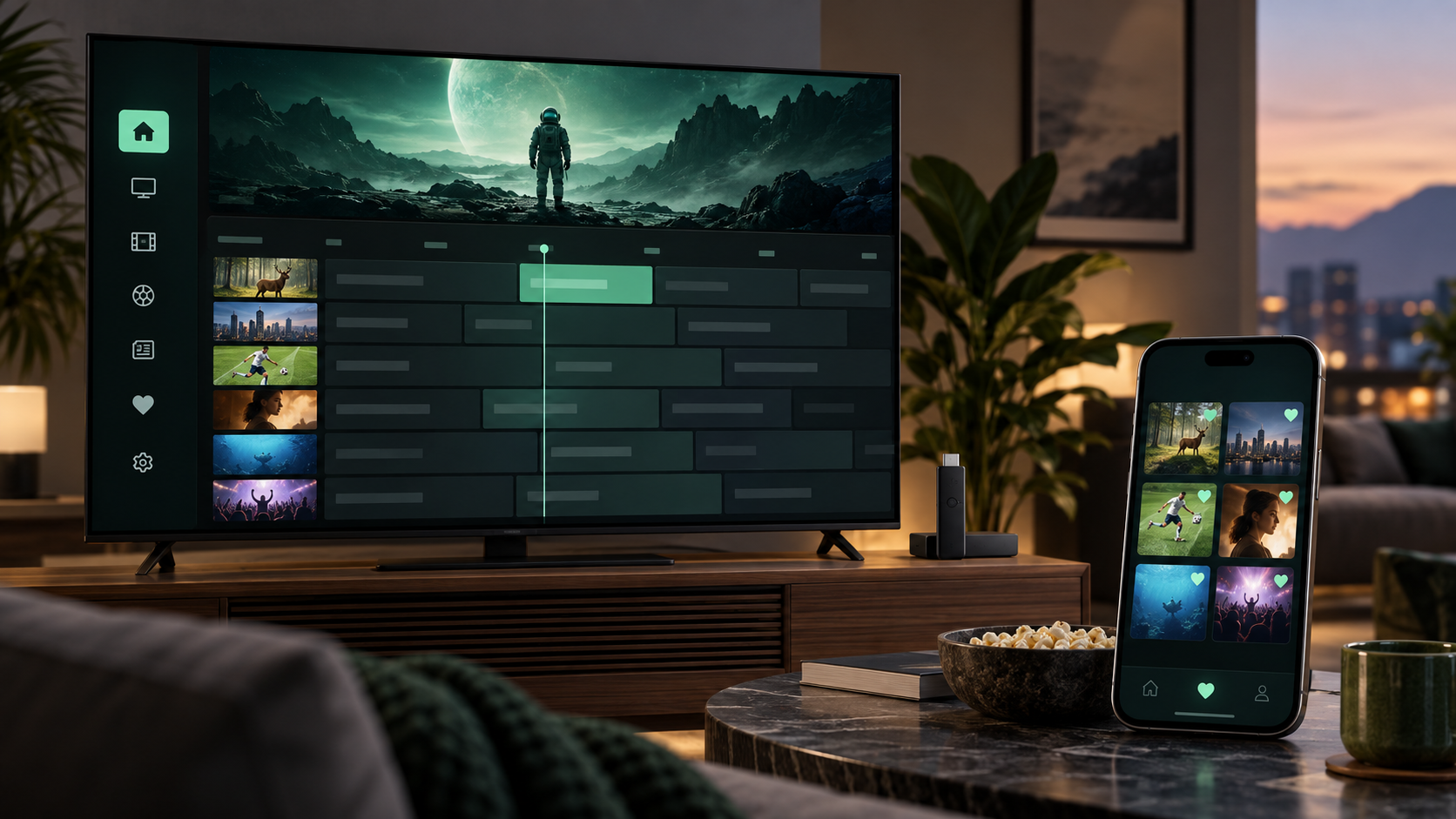
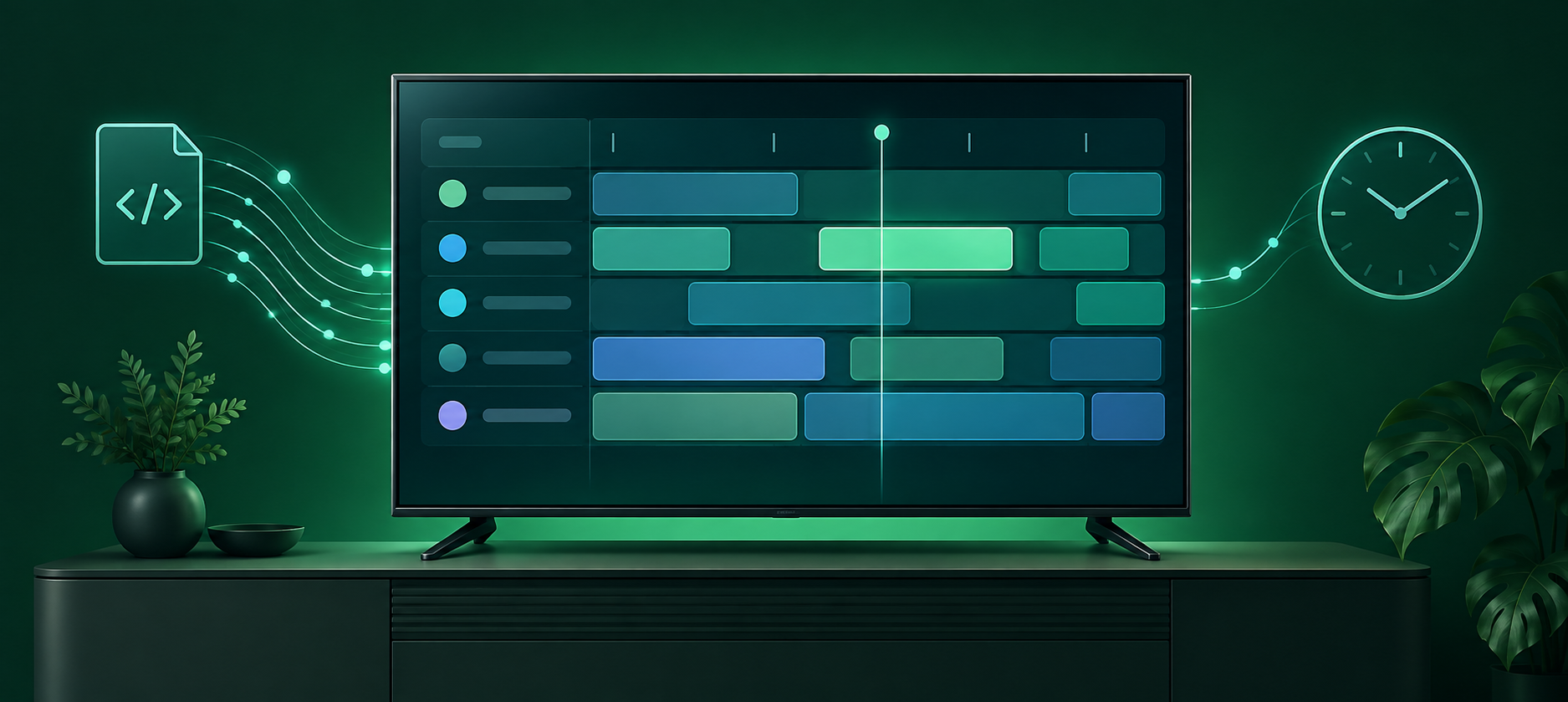
An Electronic Program Guide (EPG) is the schedule in an IPTV player that shows what is on now, what is next, and what is coming up later. If a channel plays but its guide is blank or shows the wrong programme, the video stream is usually fine—the schedule data is missing, cannot be matched to that channel, or has the wrong time.
On a smart TV, an EPG turns a long channel list into a familiar TV-guide view. It can show programme titles, start and end times, descriptions, and sometimes artwork or categories. The guide does not supply the channel itself; it is a separate layer of data attached to the channel.
How XMLTV guide data works
Most IPTV programme guides are delivered in XMLTV, a common schedule-data format. An XMLTV feed contains two important kinds of information:
- Channel records, each with an identifier.
- Programme records, each with a channel identifier, title, start time, and end time.
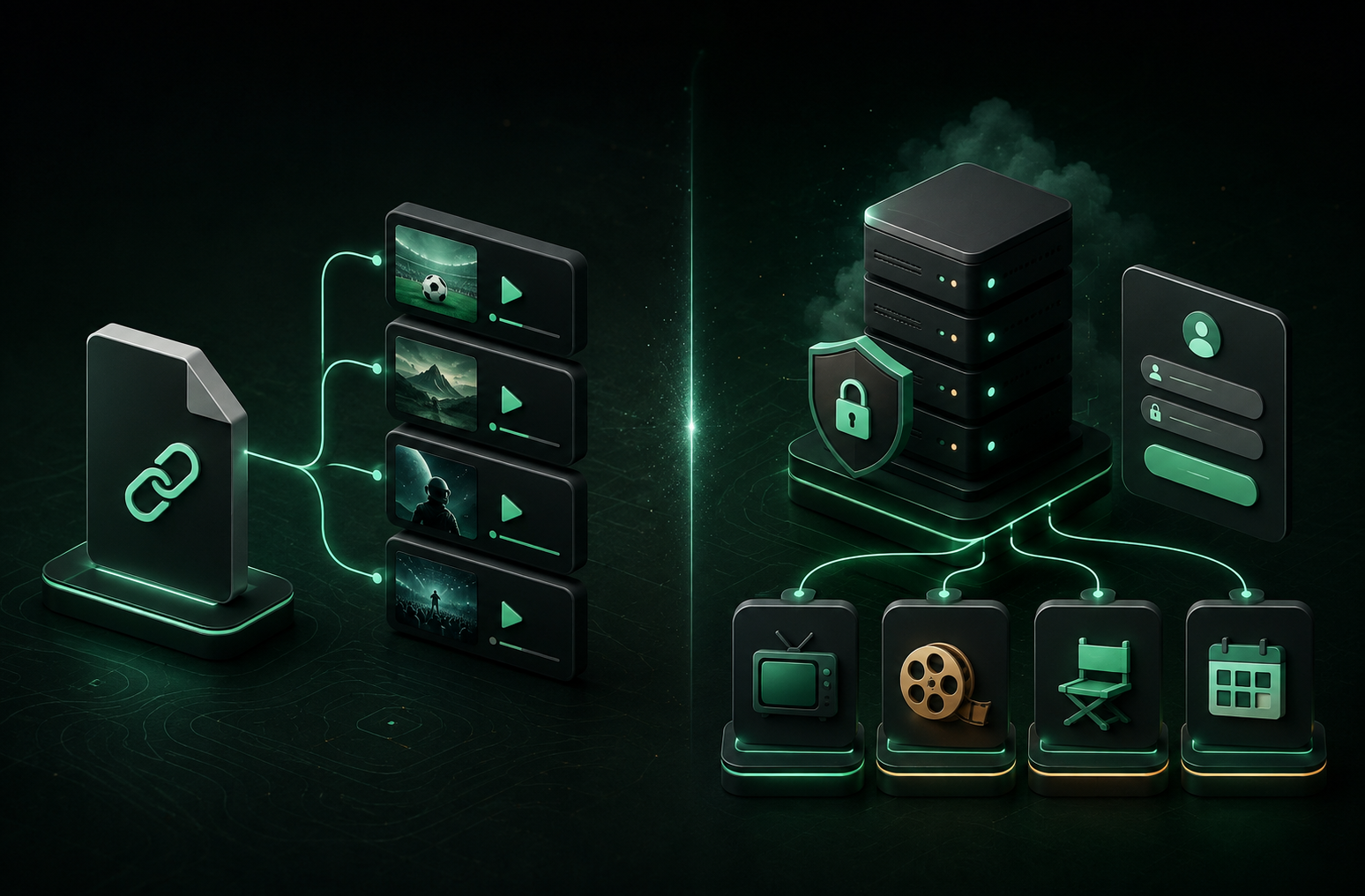
Your playlist also needs a way to identify each channel. In M3U playlists, that is often a tvg-id; other playlist systems can provide similar channel metadata. The player uses that identifier to connect a channel to the matching programmes in the guide feed.
That match is why a guide can be incomplete even when live TV works perfectly. A provider may have no schedule for a channel, use a different channel ID in its XMLTV feed, or send data that has not updated yet. M3U playlists and Xtream Codes accounts are connection formats, not a guarantee that every channel has guide data.
Why an EPG is missing or out of sync
The fastest clue is the scope of the problem:
- One or a few channels are blank: those channels may be missing from the provider’s guide feed or have IDs that do not match.
- A whole category is blank: the provider may not include guide coverage for that group.
- Every channel is blank: the playlist or guide import may need a refresh, or the provider may not be supplying guide data.
- Programme times are wrong: the TV’s date, time, time zone, or automatic clock setting may be incorrect; the source feed can also contain an incorrect offset.
An EPG is not a signal-quality setting. Buffering, login errors, and a channel that will not play need separate troubleshooting; changing guide settings will not repair a stream.
Get the guide working on your smart TV
Try these steps in order. They help separate a local setup issue from missing source data.
- Check a few channels in different groups. Note whether the problem affects everything, a category, or only individual channels.
- Confirm your smart TV clock. Enable automatic date, time, and time-zone settings if your TV supports them, then reopen the player. A bad device clock makes a correct schedule appear early or late.
- Refresh your playlist. In OneDrop, open your playlist settings and refresh the existing playlist so its channel catalog and current metadata can be loaded again. Large playlists can take a little longer to update.
- Verify the playlist details. Make sure you are using the current M3U URL or Xtream credentials from the service you are authorized to use. An expired link or an old account can leave your player with outdated channel information.
- Ask the playlist provider about guide coverage. Tell them which channel names are blank or misaligned and ask whether their service provides XMLTV/EPG data for those channels. The provider controls its channel and schedule mappings.
Avoid pasting an unknown EPG URL found online into your setup. A guide source needs to match your specific channel IDs, and its URL can contain account information. Use guide details only from a source you trust and are authorized to use.
What to expect after a refresh
Once the playlist and guide data match, opening the programme guide should show the current programme and upcoming slots for covered channels. Some channels may still have no listing, especially local, event-only, or less commonly carried channels. That is a limitation of the source schedule data, not necessarily of your TV or IPTV player.
For the most reliable result, keep the playlist details current, use your TV’s automatic time settings, and treat missing coverage as a provider question first. With those basics in place, the EPG can do what it is meant to do: make choosing something to watch much easier.