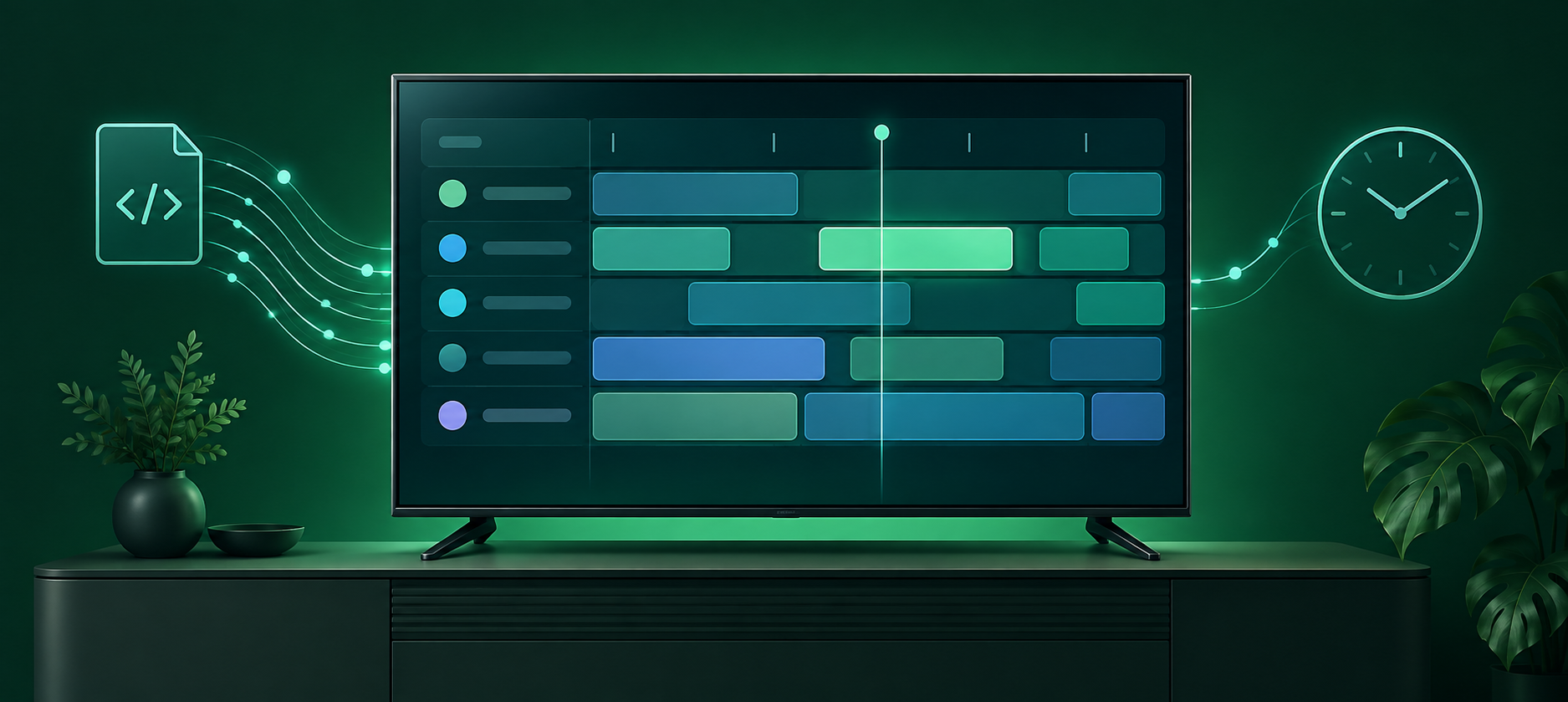
If you want a TiviMate alternative for Firestick or Google TV in 2026, start with the feature you wish TiviMate handled differently. OneDrop is a strong choice when you want to organize a large library and carry your favorites and viewing progress between devices. Sparkle TV suits a TV-first setup centered on live TV and recording. XCIPTV offers an Android phone and TV player with built-in playback options, while Smarters Pro covers a wider range of device types. Each is a player: you bring a playlist or account from a source you are authorized to use.
TiviMate remains a capable benchmark. Its Google Play listing describes a remote-friendly guide, multiple playlists, catch-up, recording, and multiview. It also says the player is designed for Android TV rather than touch screens. That distinction matters if you want to manage your setup on a phone as well as watch on a TV.
OneDrop: make your playlist feel personal
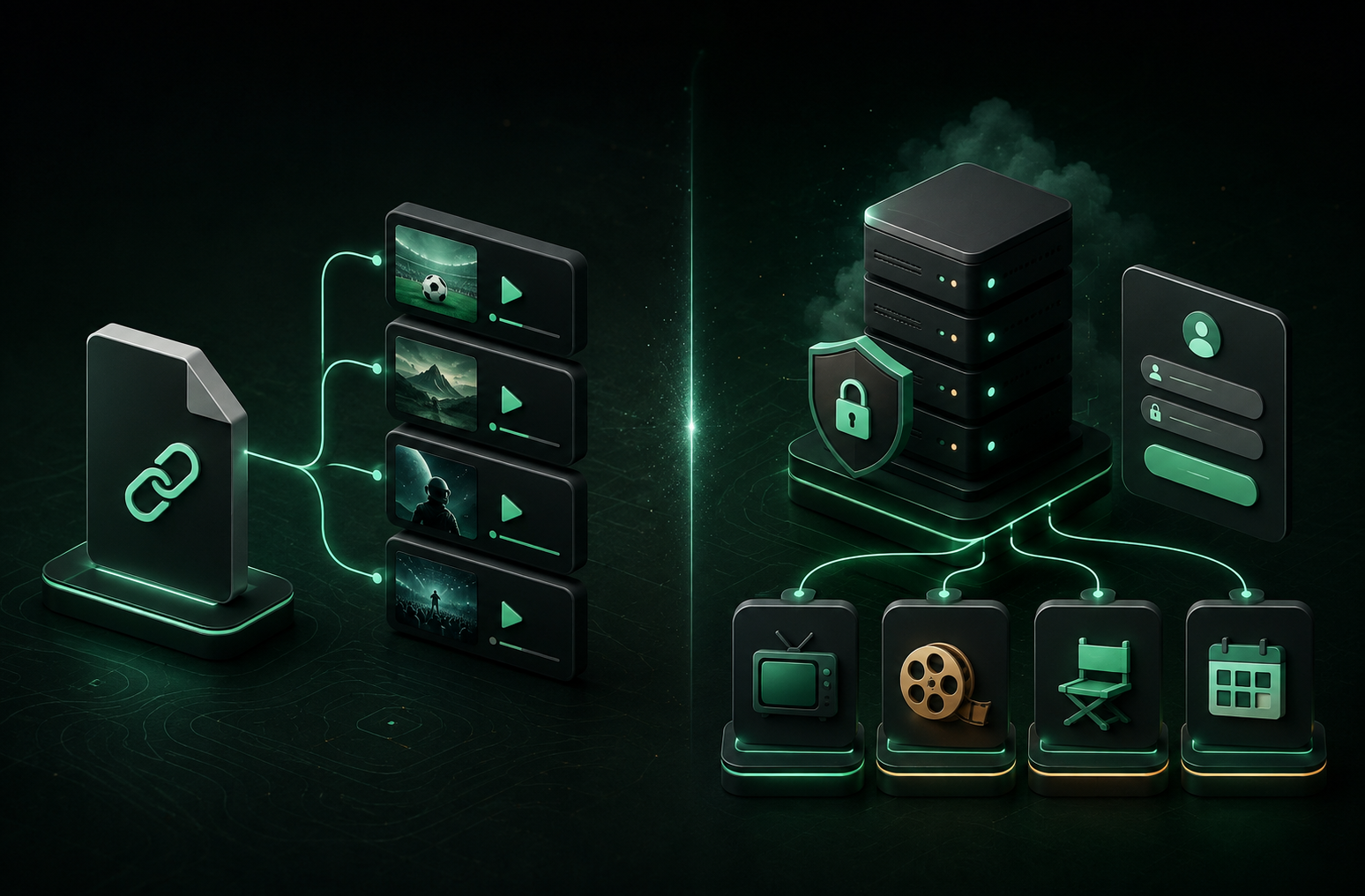
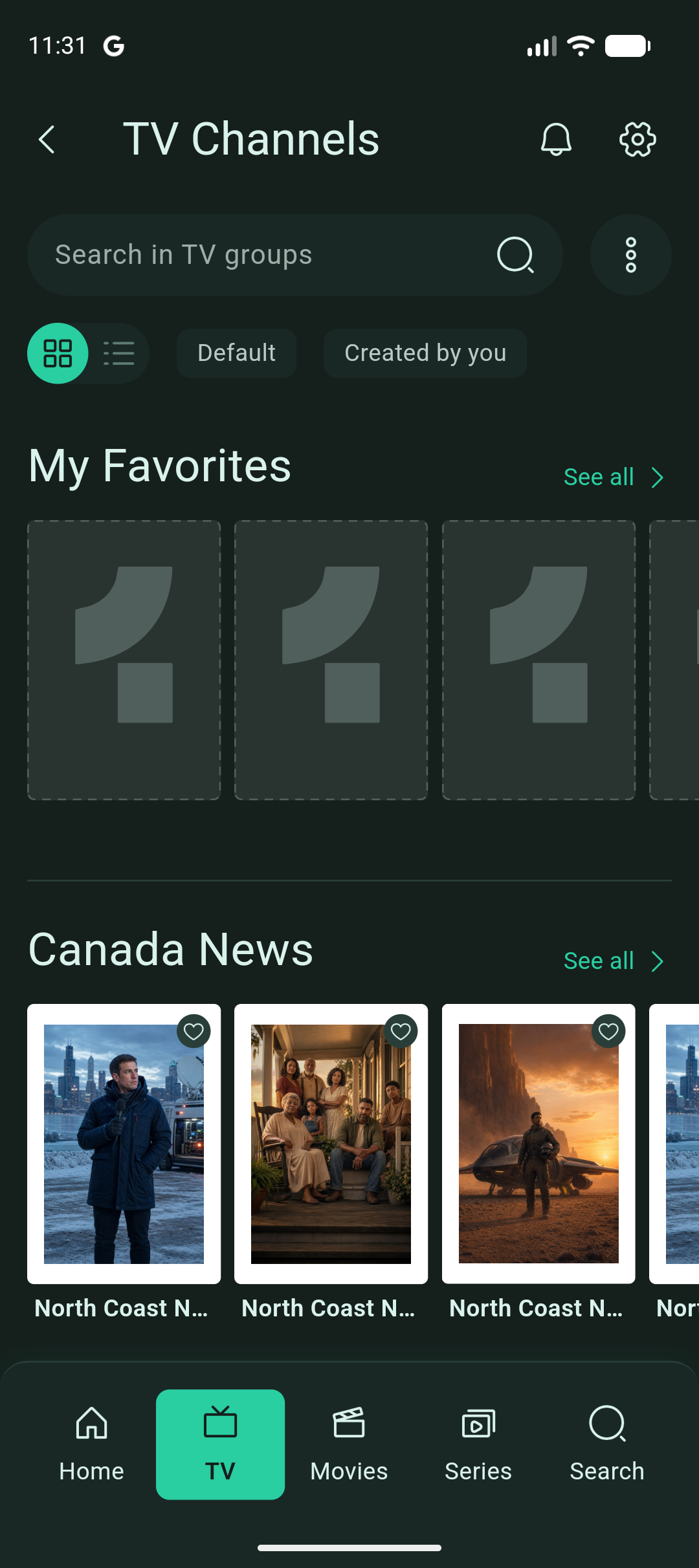
OneDrop focuses on what happens after you import a playlist. Add an M3U URL or Xtream account, then browse live TV, movies, and series, search the catalog, and use the program guide where your source provides schedule data.
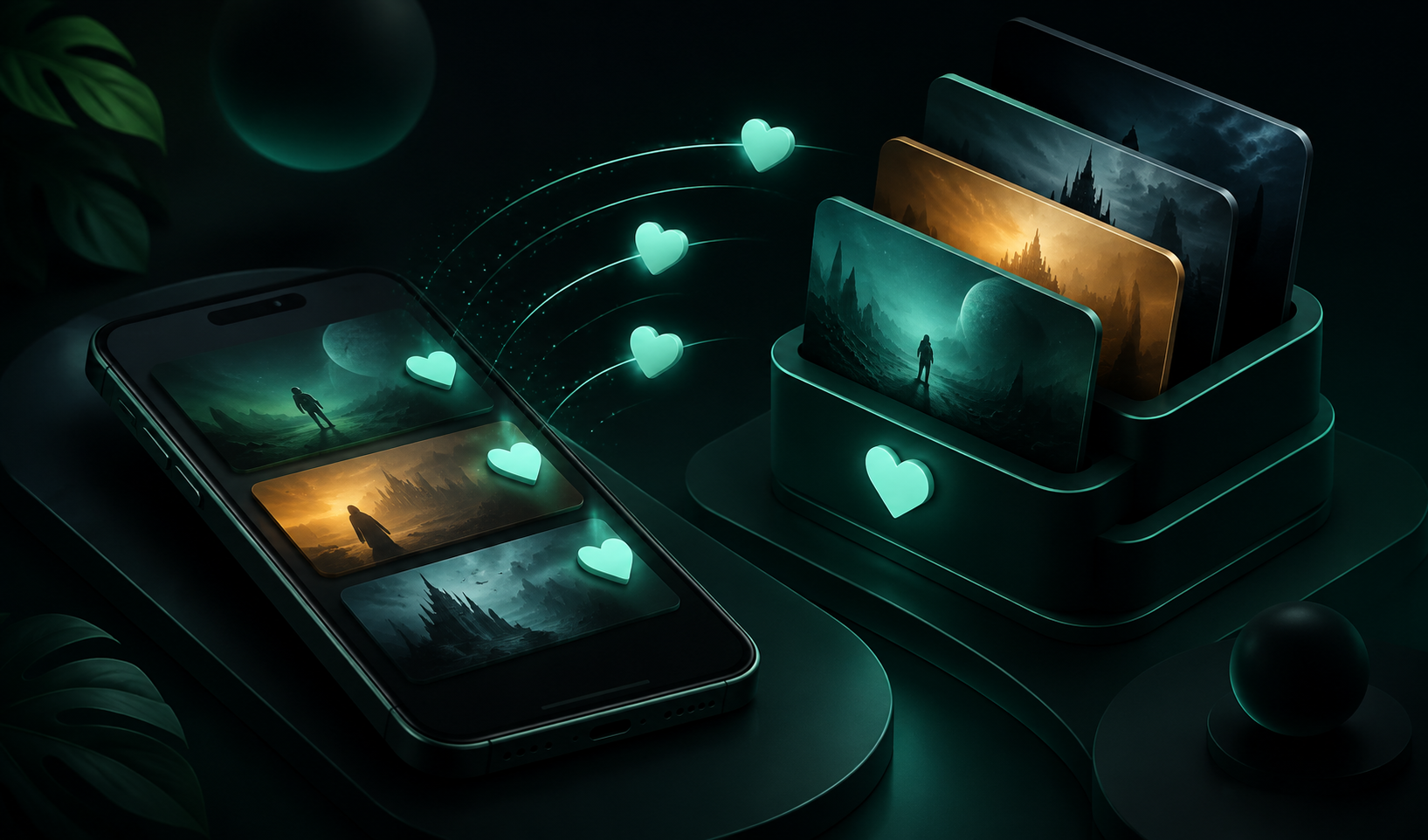
Its personalization tools are the reason to try it: favorite channels, movies, and series; create custom lists; hide unwanted items or whole groups; and lock content that needs parental confirmation. These controls are useful when a provider’s catalog is much larger than the part you actually watch. On mobile, you can add favorites as you browse or manage a group at once.
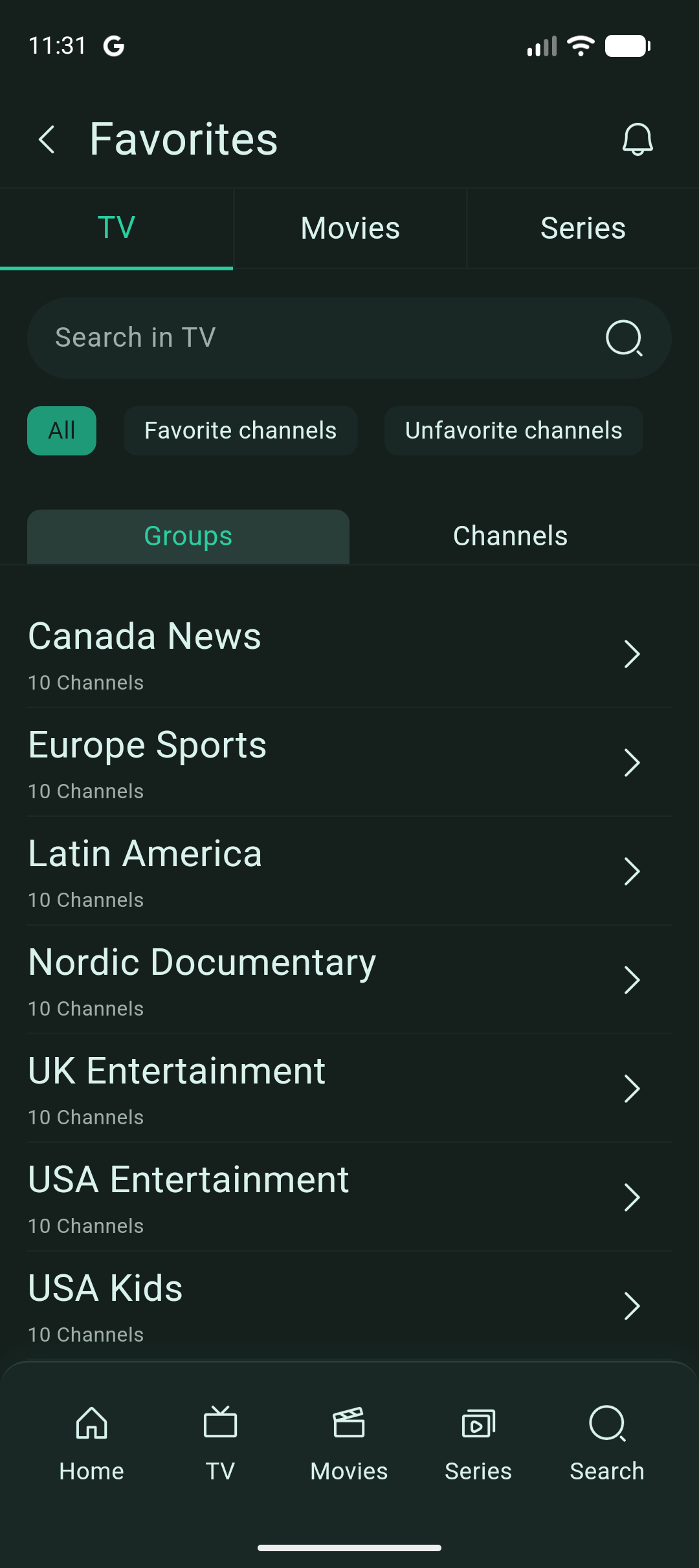
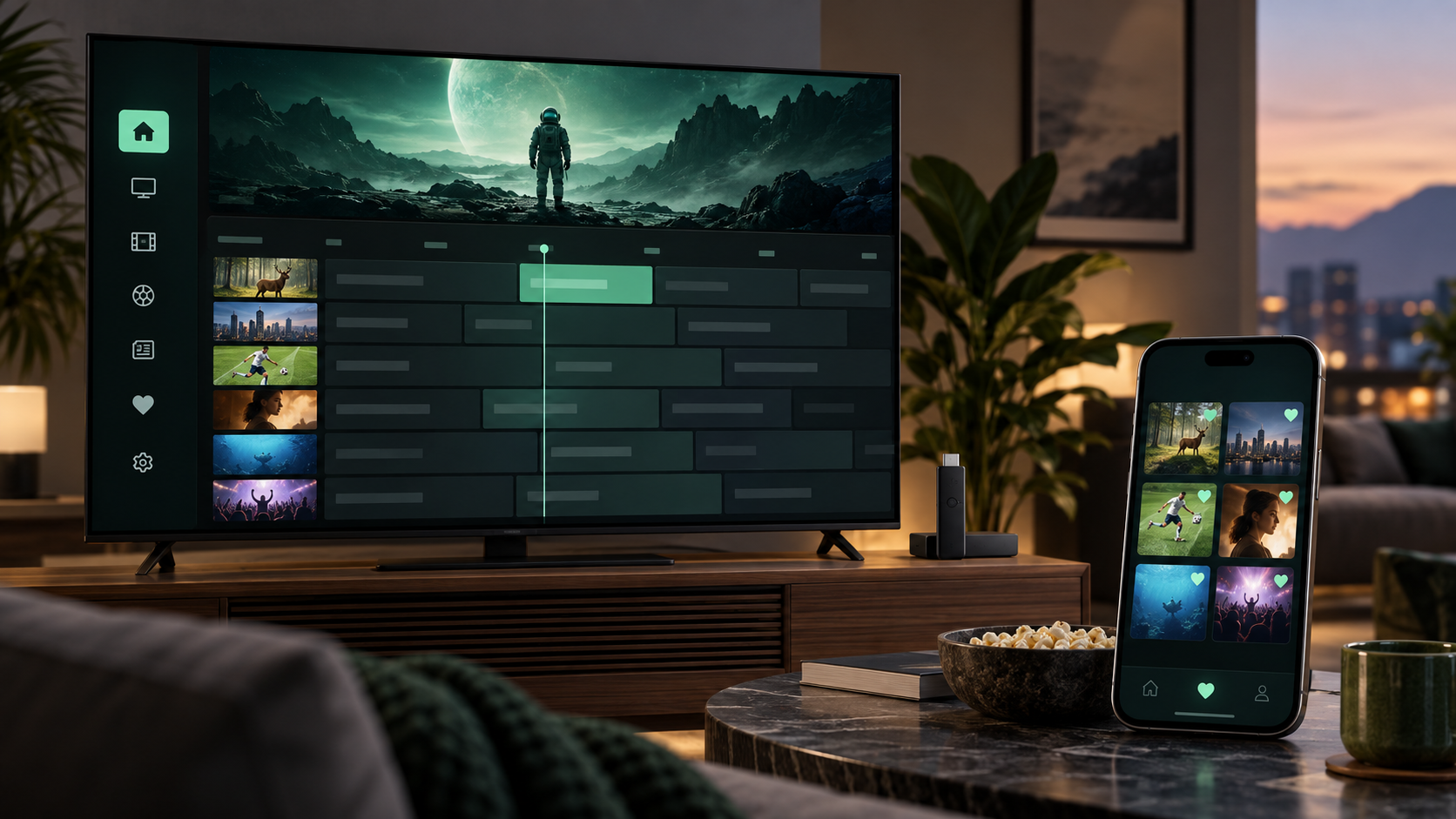
Cross-device use has a clear condition: sign in to the same OneDrop account on each device. OneDrop can sync the saved playlist configuration, favorites, custom lists, and viewing history through your account. Each device still loads its own channel catalog from the playlist source, so a second TV may need time for its first import. Guest changes stay local until you create and link an account. The playlist format itself does not provide this sync; OneDrop handles it separately.
OneDrop also offers a TV setup QR flow, so you can enter a long playlist URL or Xtream credentials on your phone and send them to the TV instead of typing them with a remote. If your priority is a tailored library across screens, start here. OneDrop currently supports one active playlist per account, so households that need several playlists at once should weigh that limit.
Sparkle TV: live TV and DVR controls
Sparkle TV’s Google Play listing describes support for Android TV, Google TV, and Fire TV, plus M3U, Xtream Codes, XMLTV guide data, and other TV sources. Its standout features are timeshift, scheduled DVR recording, multiview, and remote customization. Several of those features require Sparkle TV Plus, and its listing notes that most features are available only on TV devices.
Choose Sparkle when the living-room guide and recording controls are your main concern. Check its current free and Plus feature split before you commit to a setup.
XCIPTV: Android TV and phone flexibility
XCIPTV’s Google Play listing lists Android TV, phone, and tablet support. It describes two built-in players, guide support for M3U and Xtream-compatible sources, favorites, catch-up, scheduled recording, and backup and restore across devices.
That makes XCIPTV worth a look if you want the same player family on an Android phone and TV, or want a choice of built-in playback engines. Its device backup and restore is a different workflow from OneDrop’s signed-in personalization sync, so compare the exact steps you would use on a second screen.
Smarters Pro: a wider device range
Smarters Pro advertises apps for Android TV and phone, Fire TV, iOS, Apple TV, desktop, and the web, along with favorites and multiple playlists. It is a practical candidate when your household uses several operating systems rather than only TV devices.
Check the publisher and download source carefully: several similarly named Smarters apps and sites exist. Also confirm which features are included in the version available on each of your devices.
Which TiviMate alternative should you choose?
- Choose OneDrop if favorites, custom lists, hiding or locking clutter, viewing history, and signed-in sync matter most. It is especially helpful when you want to manage your library on mobile and watch on TV.
- Choose Sparkle TV if your priority is live-TV navigation, timeshift, DVR, or multiview on a TV.
- Choose XCIPTV if you want an Android phone and TV player with its advertised backup and restore workflow.
- Choose Smarters Pro if you need a player across Android TV, Fire TV, Apple devices, desktop, and web.
- Stay with TiviMate if its TV guide and remote controls already suit you, especially if you rely on its multi-playlist, recording, or multiview features.
For a Firestick, confirm that the specific app version is available for your device and region before moving your playlist. OneDrop has a Fire TV build, but this article does not assume a public Amazon Appstore listing. On Google TV, use the official store listing where available. Availability, paid features, and supported devices can change, so check each publisher’s current listing before installing.
Whichever player you choose, the app does not include channels or a subscription. Your playlist source controls the streams, catalog, and much of the guide data. Bring a source you are authorized to use, and pick the player whose organization and device workflow fit how you watch.